Korea eSIM for Medical Tourists: Best Data Options Guide (2026)
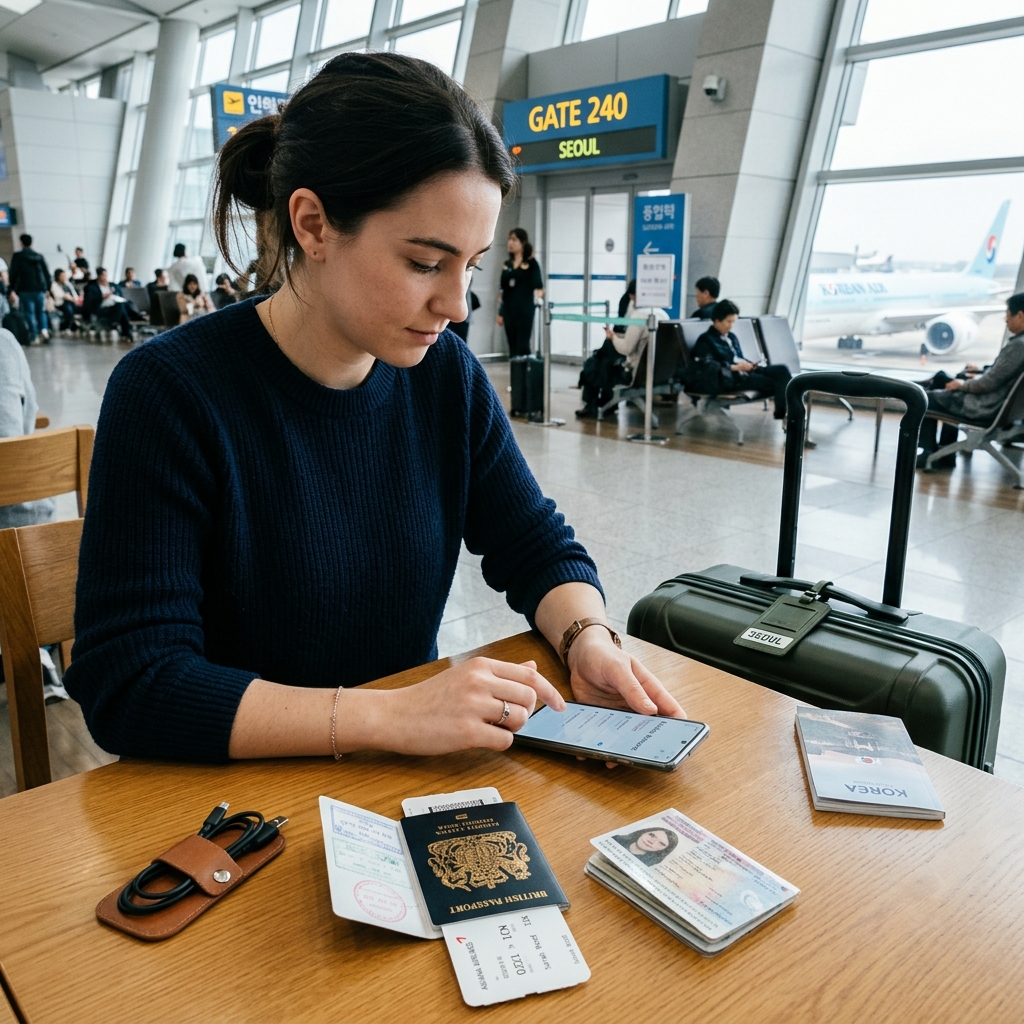
Korea eSIM for Medical Tourists: Best Data Options Guide (2026)
1. Why Reliable Mobile Data is Vital for Medical Travel
Navigating Seoul for medical and aesthetic treatments requires constant, dependable mobile internet. Patients rely on smartphones to translate post-care instructions via Papago, hail Kakao T taxis directly to clinic entrances, communicate with clinic coordinators via WhatsApp or KakaoTalk, and access Naver Map walking routes. Relying solely on spotty public Wi-Fi creates critical communication delays. Pre-installing a digital eSIM before your flight guarantees high-speed 4G/5G data access the moment your plane touches down at Incheon Airport. Review complete technology rate comparisons in our Korea Travel Internet Cost 2026 Comparison.
2. Step-by-Step Pre-Departure Setup Sequence
- Verify Handset Carrier Unlock: Confirm your smartphone (iPhone XS or newer, Samsung Galaxy S20 or newer, Google Pixel 3 or newer) is unlocked by your domestic carrier.
- Install Profile Before Boarding: Scan your digital eSIM QR code while connected to home or departure airport Wi-Fi. Label the cellular line "Korea Clinic Data".
- Maintain Primary SIM for 2FA: Dual-SIM functionality keeps your primary physical SIM active for bank security SMS codes while routing data exclusively through the local Korea eSIM.
- Toggle Data Roaming ON Landing: Upon arrival in Korea, switch your cellular data line to the Korea eSIM and toggle "Data Roaming" ON.
3. Dual-SIM Configuration Rules: Preventing Roaming Surcharges
- Primary Domestic SIM: Set for Voice & SMS only. Keep Data Roaming OFF on your home carrier line.
- Korea eSIM: Set as the dedicated "Cellular Data" line. Turn Data Roaming ON.
- Disable Data Switching: Ensure Allow Cellular Data Switching is turned OFF in settings to prevent your phone from secretly using expensive home roaming data during local signal handoffs.
4. Troubleshooting Connection Errors at the Airport
If your handset shows "No Service" upon landing, toggle Airplane Mode ON for 10 seconds and turn it OFF to force local network registration (SK Telecom or KT). Ensure your primary carrier's data line is turned off to prevent network conflicts.
5. Frequently Asked Questions (FAQ)
Q: Can I install my Korea eSIM before leaving the US or Canada?
A: Yes. You can scan and install the profile pre-departure. Data usage validity begins only when you connect to a supported Korean cellular tower upon landing.
Q: Do tourist data eSIMs require local Korean Alien Registration Cards?
A: No. Pre-paid tourist data eSIM profiles do not require local residency ID registration and activate digitally online.
Travel Essentials: Mobile Travel & Personal Organization
Equip yourself with practical accessories designed to manage travel tech and personal security.
- Medicine Organizer Case: Compact moisture-sealed container for sorting daily prescription vitamins and emergency care tablets.
- Portable Door Lock: Heavy-duty secondary lock mechanism ensuring complete room privacy during hotel stays.
Recovery Hotel Reservation Tip: Search and compare hotels near Gangnam Station, Sinsa, and Myeongdong on Agoda to lock in flexible reservation rates.
Compare suitable Seoul medical-tourism hotels on Agoda (Agoda Official Partner Link)
Pre-Arrival Mobile Data Tip: Ensure instant high-speed 4G/5G data access upon landing by checking available Korea eSIM options on Yesim before your flight.
Check available Korea eSIM options on Yesim before your flight (Yesim Official Partner Link)
Klook Activity & Transit Option: Book Klook travel passes, airport train tickets, and WOWPASS cards on Klook.
Explore Travel Deals & Passes on Klook (Klook Official Partner Link)
📌 Official Travel & Health Hub Resources (Article 56 Standard):